Featured downloadable game
Dragonfall: Jungle Siege
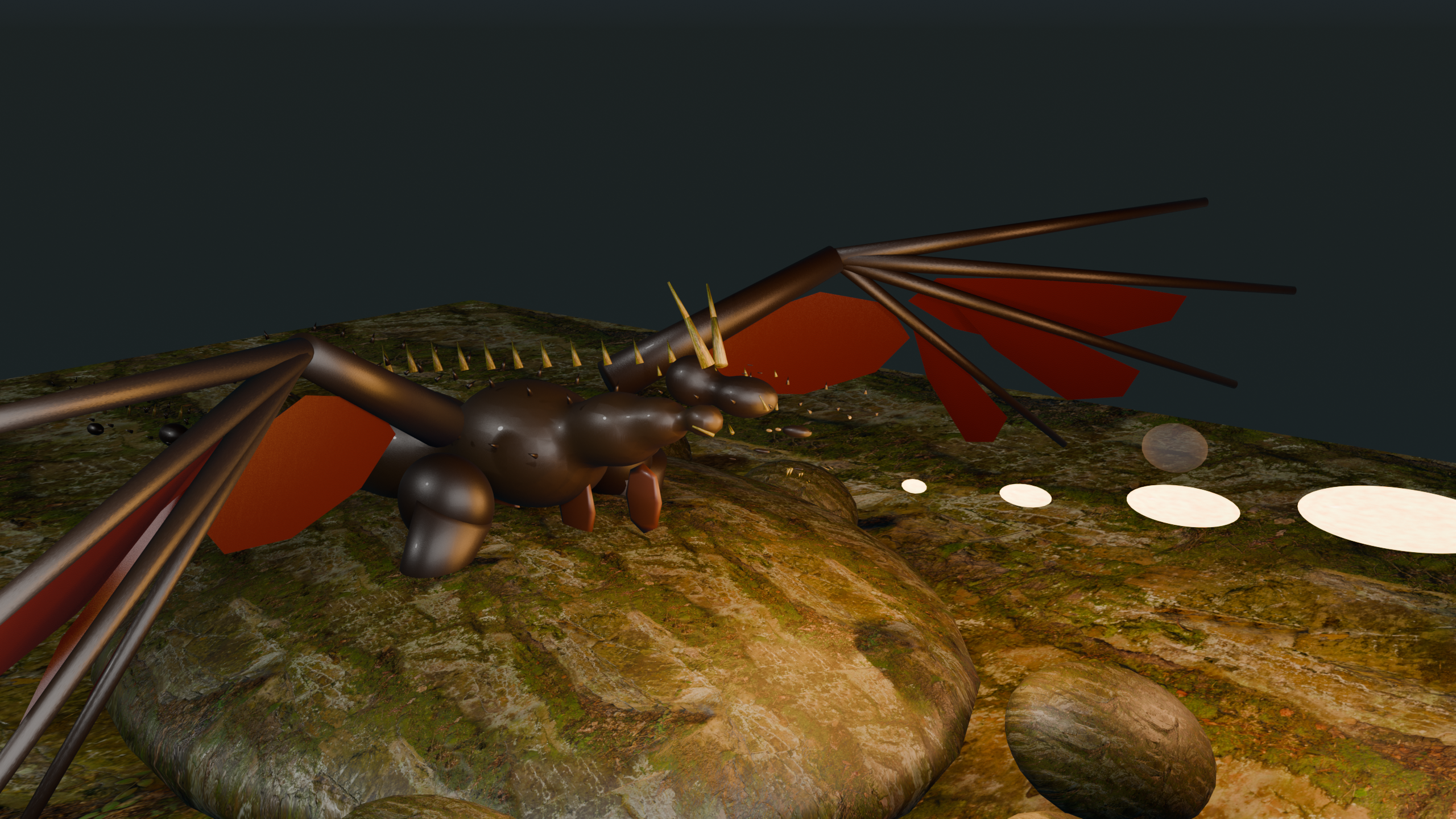
Drop into a jungle island with roaming dragons, push into the city after extraction, then break into Neon City and the mushroom forest finale in the latest downloadable build with fresh health packs, cleaner HUD flow, steadier weapon feel, and a one-click Windows installer helper.
Why it is worth downloading
Built as a bigger arcade-style boss prototype
Three-stage adventure
Fight across the jungle island, push through the city, enter Cyberpunk Neon City, then close out in the mushroom forest finale with the newest boss layers and progression fixes.
More movement freedom
Double jump into a snappier jet burst, sprint with Shift, and dash to keep the boss fights mobile without the old floaty feel.
Sharpened combat
Hitscan-style weapons, a clearer crosshair, steadier first-person gun handling, grenade support, multiple gun choices, and stronger boss progression across every stage.
Styled environment
A winding river, waterfall, beach edges, ocean perimeter, dense foliage, Egyptian landmarks, brighter relit Neon City, and a mushroom forest finale give the downloadable build a much bigger sense of place.
Who this page is for
A stronger landing page for players searching for downloadable Unreal action games
Boss-driven Unreal download
Dragonfall is positioned as a downloadable Unreal Engine shooter-adventure instead of a browser experiment. That matters because people looking for a Windows action download want a bigger world, longer progression, and more spectacle than a quick web demo can offer.
Multi-zone progression
The mix of jungle island, city, Neon City, and mushroom forest finale gives the page stronger topic depth around downloadable action levels, boss progression, and world variety instead of just saying “it is a game download.”
Direct Windows package
The page is also clearer about platform intent: this is a Windows zip with installer and uninstall helpers, shortcut setup, and a direct launch option for people who prefer portable builds.
Related pages on the site
Players who want another downloadable Unreal project can move from here to Spider Simulator, while browser-first visitors can use the AP Advantage Player games guide to jump into the lighter multiplayer pages.
Screens and art
Boss, jungle, and city atmosphere
Download notes
How to play locally
- Download the Windows zip package.
- Extract it somewhere on your PC.
- Open the
Dragonfall-Jungle-Siegefolder. - Run
INSTALL-DRAGONFALL.batif you want the game copied into a local install folder with shortcuts and a Windows uninstall entry. - You can later use
UNINSTALL-DRAGONFALL.bator Windows Settings > Apps to remove it cleanly. - You can also launch
PLAY-DRAGONFALL.batorMyProject9.exedirectly from the extracted folder.
Portable build size: about 938 MB. The download is now hosted from the project's Google Cloud downloads bucket instead of an old pinned GitHub media link.
Current build: installer and uninstall helpers, Start Menu shortcuts, Windows app-list uninstall registration, more visible health packs across all levels, minimized HUD by default, and steadier first-person weapon handling.
Windows may still show an initial SmartScreen warning until the build is code-signed. The packaging is friendlier now, but the real reputation fix is Authenticode signing.
SHA-256: DA563C1DA653F93A5DD953FA3ECC04F0F46CCADAE82CABBCB032F8047977E15E